Skip to content
kinemo
GuideReferenceExamples
GitHub

Overview

  • kinemo documentation

Guide

  • 1Getting started
  • 2The mental model
  • 3The timeline
  • 4Objects and layout
  • 5Animations
  • 6Reactive values
  • 7Components
  • 8Events and simulation
  • 9Text, math and code
  • 10Charts and data
  • 11Mass objects
  • 12Images, SVG, braces and boolean shapes
  • 13Output: formats, quality, parameters, movies and voice
  • 14Tooling: check, inspect, snap, dev and tests
  • 15Using kinemo with AI agents

Reference

  • Overview
  • Diagnostics
  • Command line
  • Configuration
  • Scene
  • Object state
  • Verbs
  • Composition
  • Objects
  • Text
  • Layout
  • Charts
  • Reactive
  • Native blocks
  • Stateful systems
  • Events
  • Components
  • Parameters
  • Output
  • Theme and colors
  • Tooling and types

Examples

  • Overview
  • Hello
  • Bubble sort
  • Derivative
  • Pythagoras
  • A day with solar + battery
  • Bouncing ball
  • Parametric polygon
  • Energy bar chart
  • Vector field

Project

  • Caveats
  • Implementation status relative to the specification
  • kinemo — Specification v1.0

Hello

Rendered by kinemo render examples/hello.py.

The smallest scene: write a title, then animate its color and scale.

Uses: k.Text, k.write, Node.to — see the API reference.
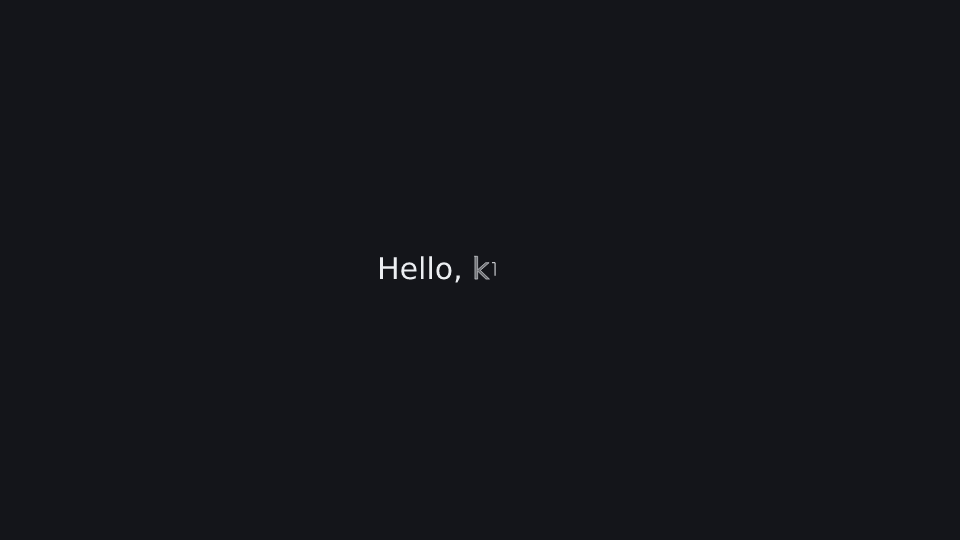
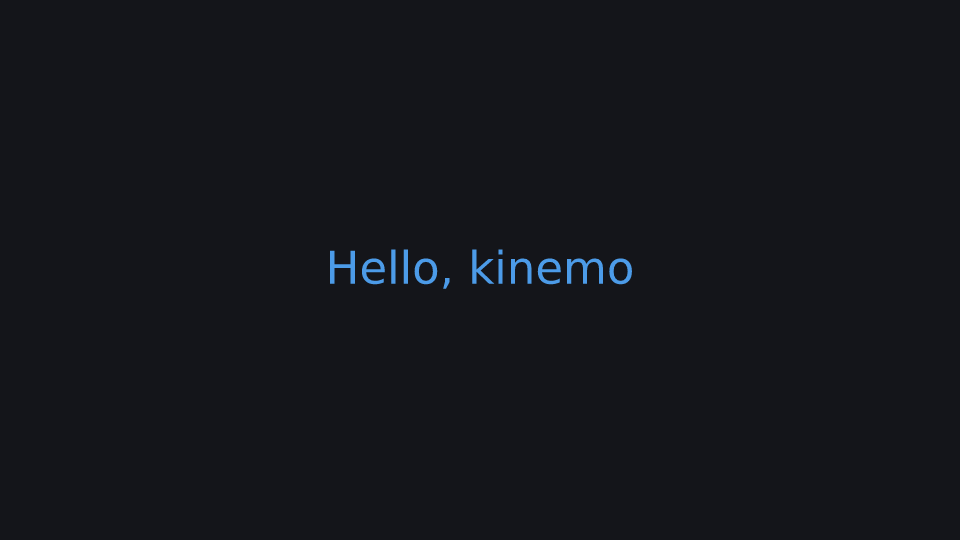
Hello at 0.5 s Hello at 2.4 s

Run it: kinemo dev examples/hello.py · render: kinemo render examples/hello.py

import kinemo as k


@k.scene(size="1080p", fps=60, background=k.theme.bg, seed=0, tail=0.5)
def hello(s: k.Scene):
    title = k.Text("Hello, kinemo").place(at="center")
    s.play(k.write(title))
    s.play(title.to(color=k.BLUE, scale=1.5))
    s.wait(1)
PreviousExamples NextBubble sort

kinemo 0.9.0, dual-licensed MIT or Apache-2.0.

Built from the repository: every video on this site is rendered by kinemo, every terminal block is a real run.

Source on GitHub Documentation llms.txt Caveats Status